Join a Business
When the Owner of a Business invites you, you get an email from Karma Clouds. Open the link in the email to join.
If you do not have an account
- Open the link in the email.
- Click Create an account. Use the email address that got the invite.
- Confirm your email address. Karma Clouds sends a second email.
- Open the invite link again, and accept.
If you have an account
Click Log in, and log in with the email address that got the invite.
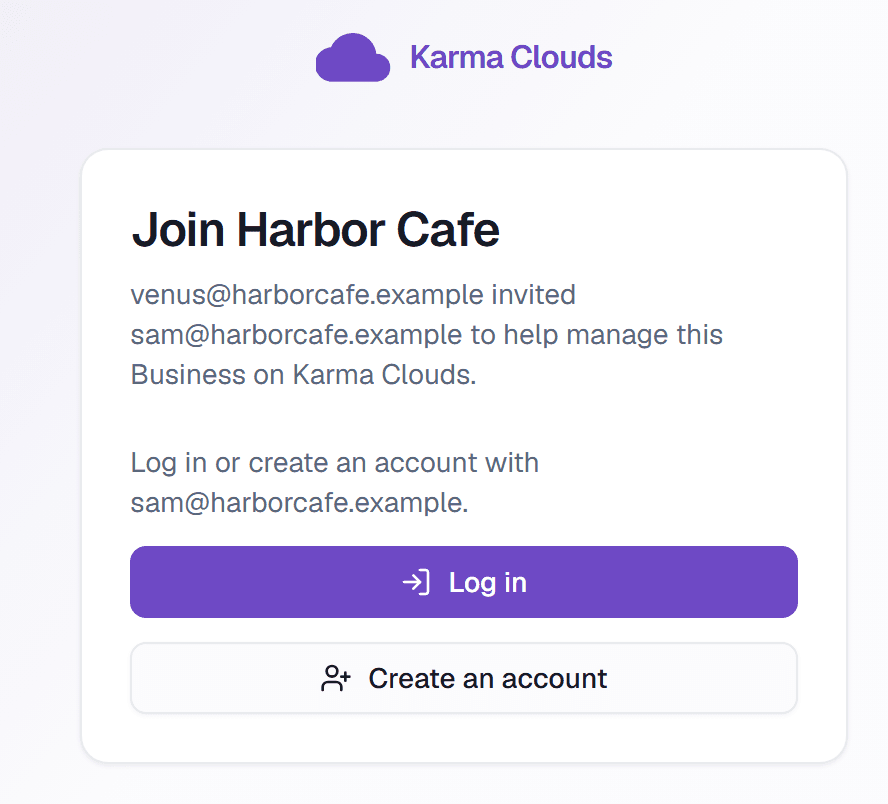
- 1Log in when you already have an account.
- 2Create an account when you are new to Karma Clouds.
Accept the invite
After you log in, the invite page shows the name of the Business and the person who invited you. Click Accept and open the Business.
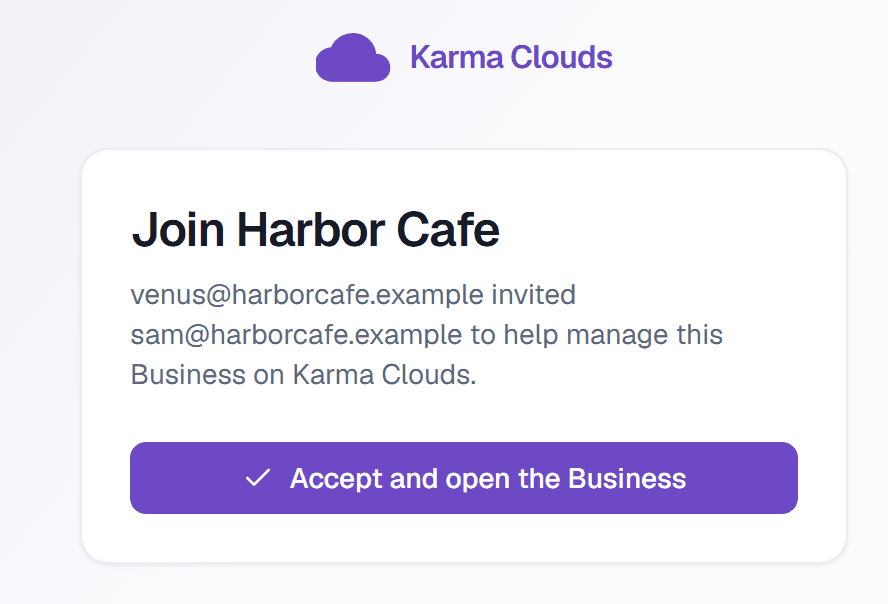
- 1Accept the invite and open the Business.
The link does not work
The link works one time, and it stops working after 7 days. If you are logged in with a different email address, log out first. Ask the Owner to send the invite again if the link expired.