Set your name
Your team sees your name next to your email address: on the Team page and in invite emails. When you have no name, they see only your email address.
Change your name
- Open your Profile. The Profile is in the account menu at the bottom of the sidebar. On a phone, it is under Settings.
- Type your name. Use 80 characters or less.
- Click Save.
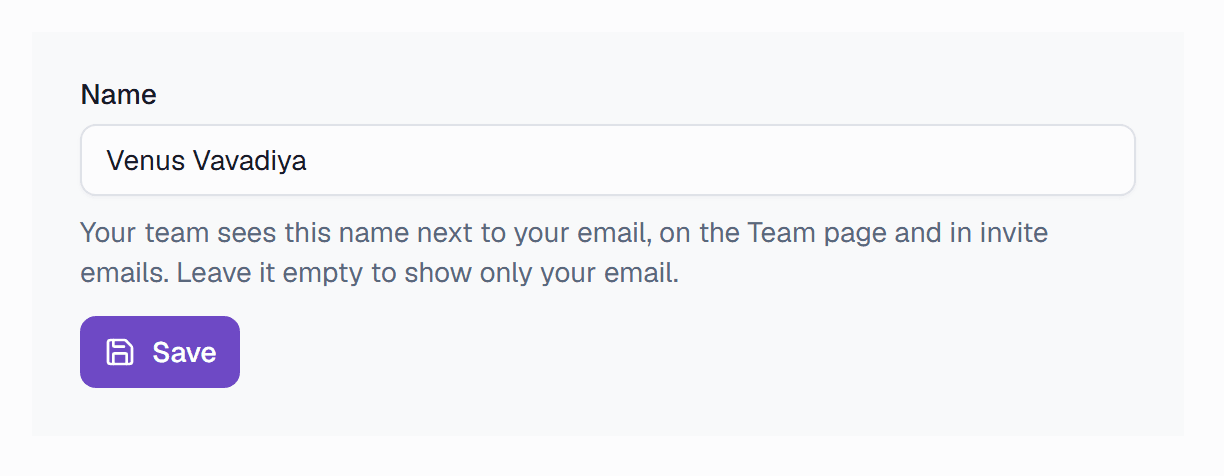
- 1Type the name that your team knows.
- 2Save the name.
To remove your name, delete the text and click Save.